
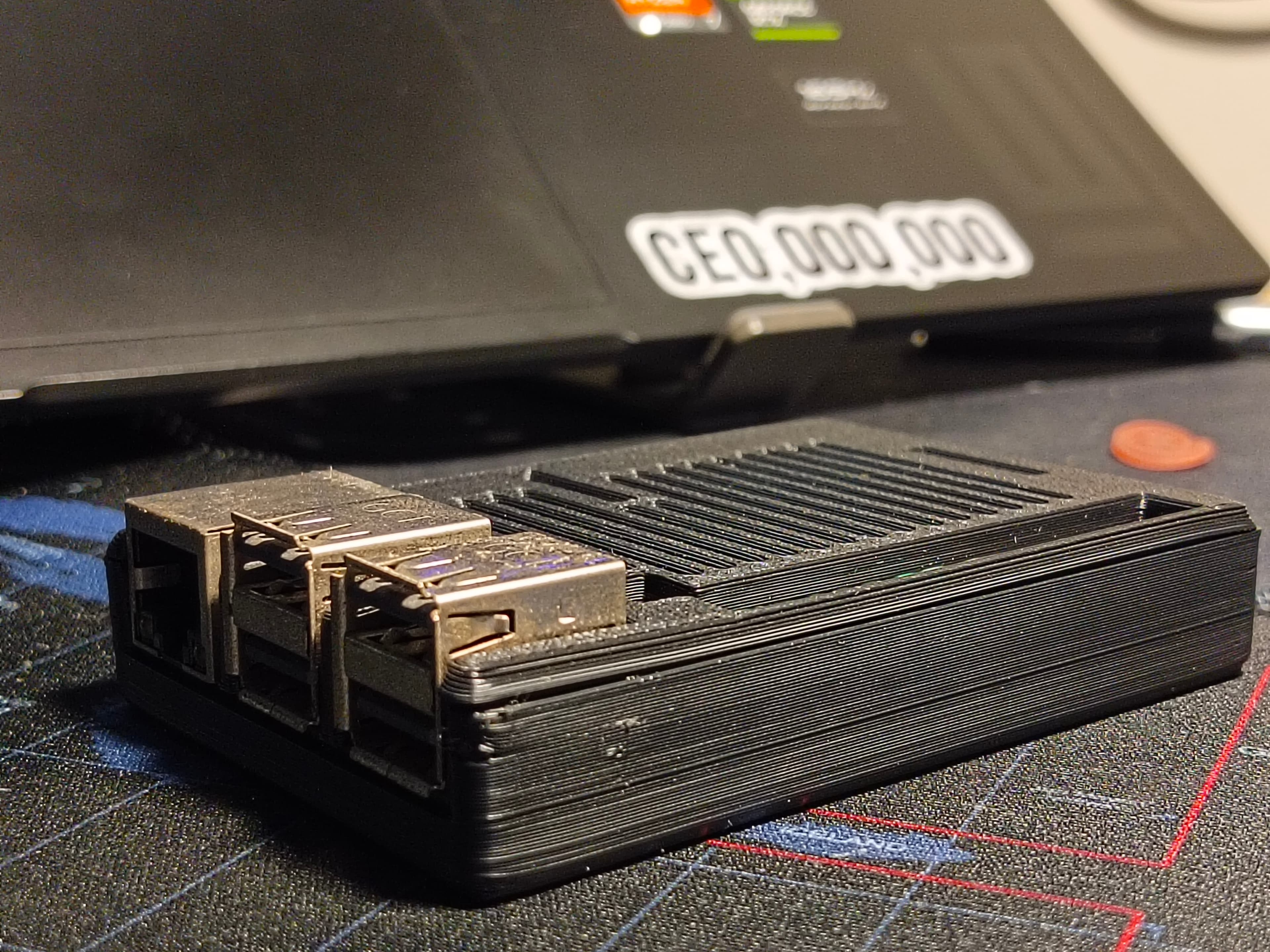
Secure Deployment.
A professional setup guide for the PurpleRain Box V1.02.1. Engineered for plug-and-play network immunity.
Zero-Friction Activation.
Our onboarding is designed to be completed in under 5 minutes. No specialized knowledge is required to deploy enterprise-grade protection across your office network.
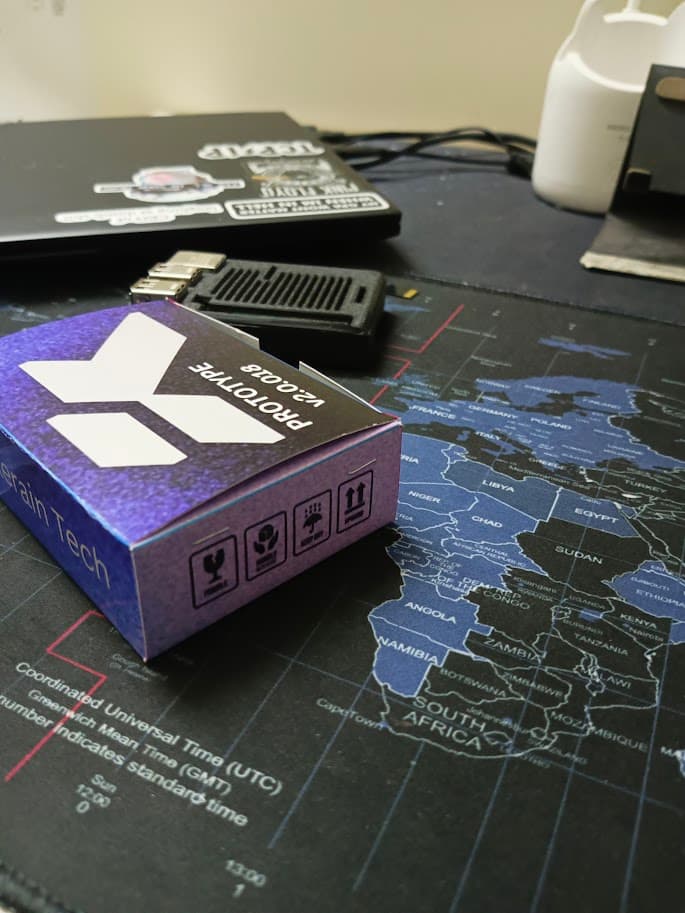
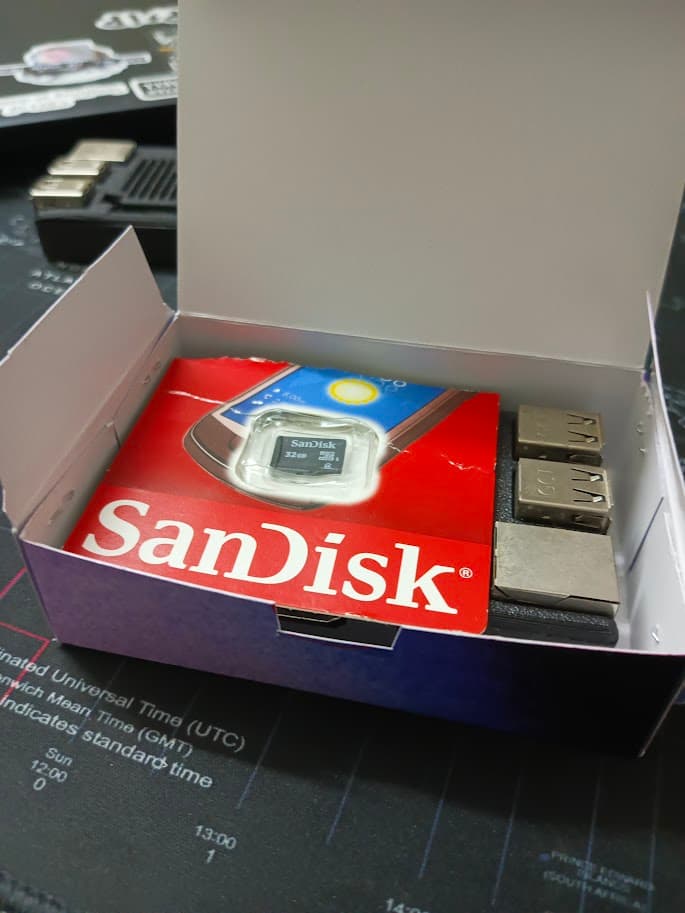
Unbox Your Unit
Carefully remove the PurpleRain Box from its packaging. Each unit is individually inspected and shipped with a certified power adapter (DC) and a high-speed CAT6 ethernet cable.
Network Link
Connect the provided ethernet cable to your network's primary switch or gateway. The device performs a hardware-level handshake to establish a secure monitoring path.
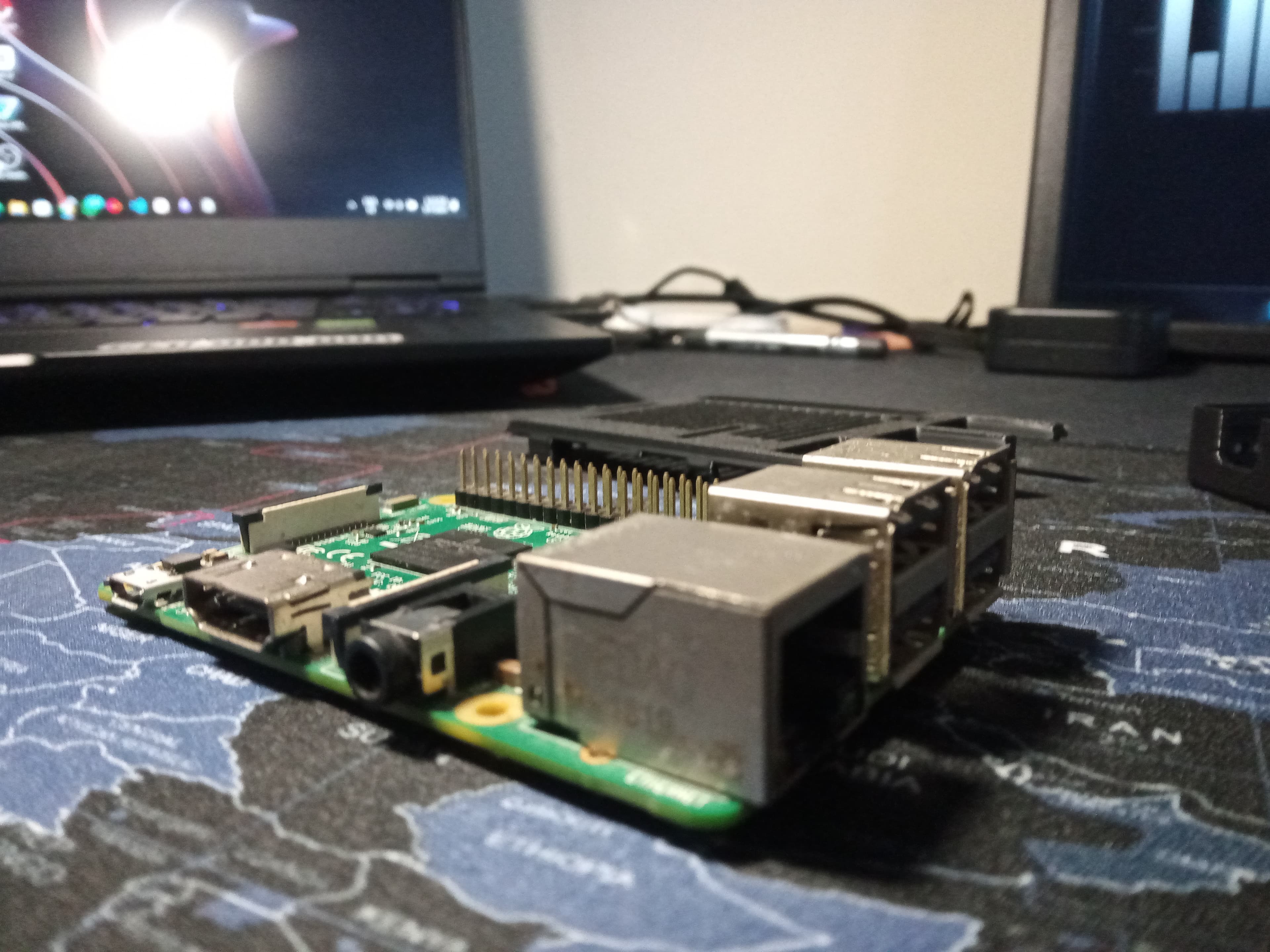
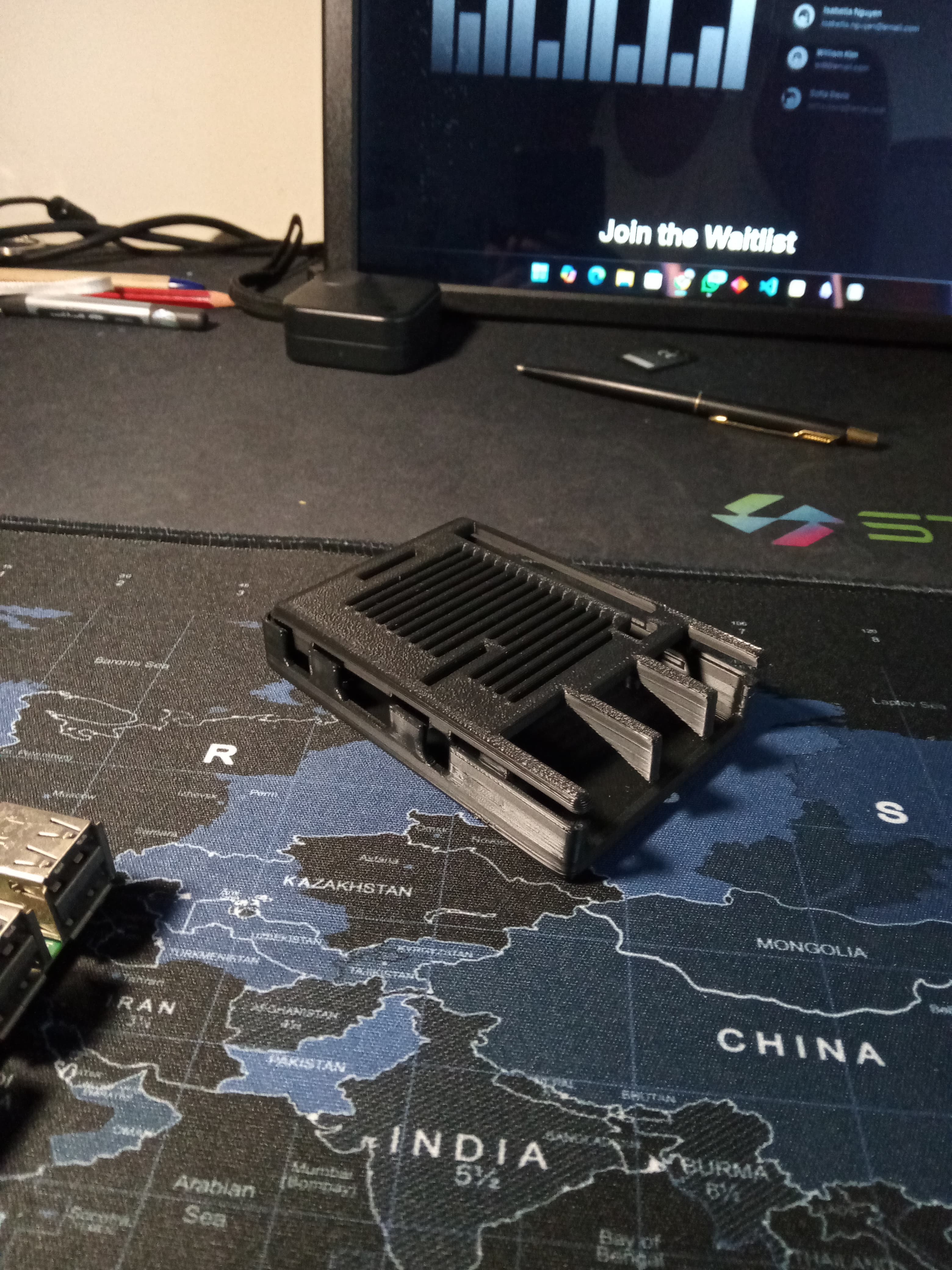
Power Initialization
Connect the power cable. The status indicator will pulse purple during the secure boot sequence. Initialization typically completes within 45 seconds.
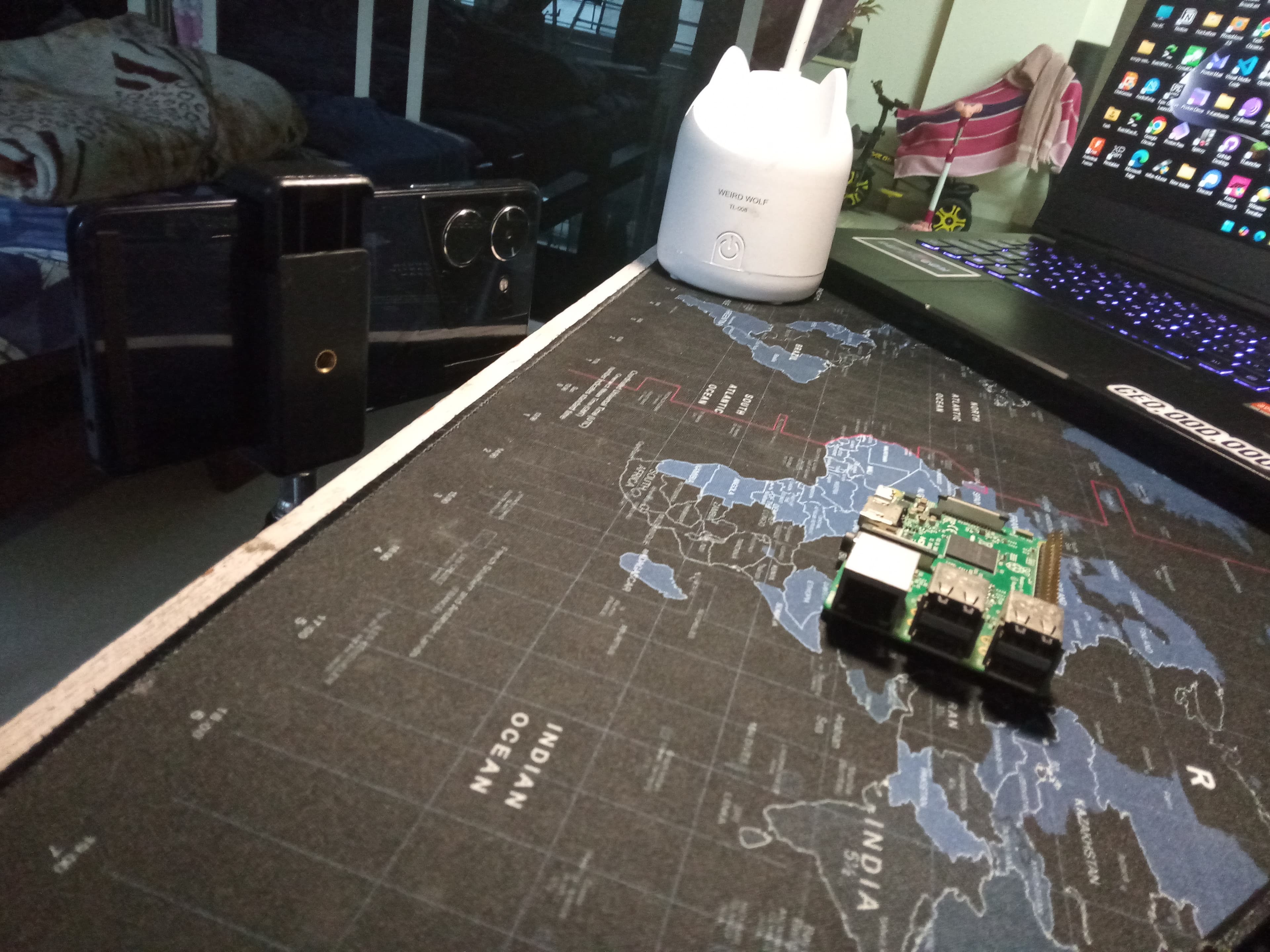
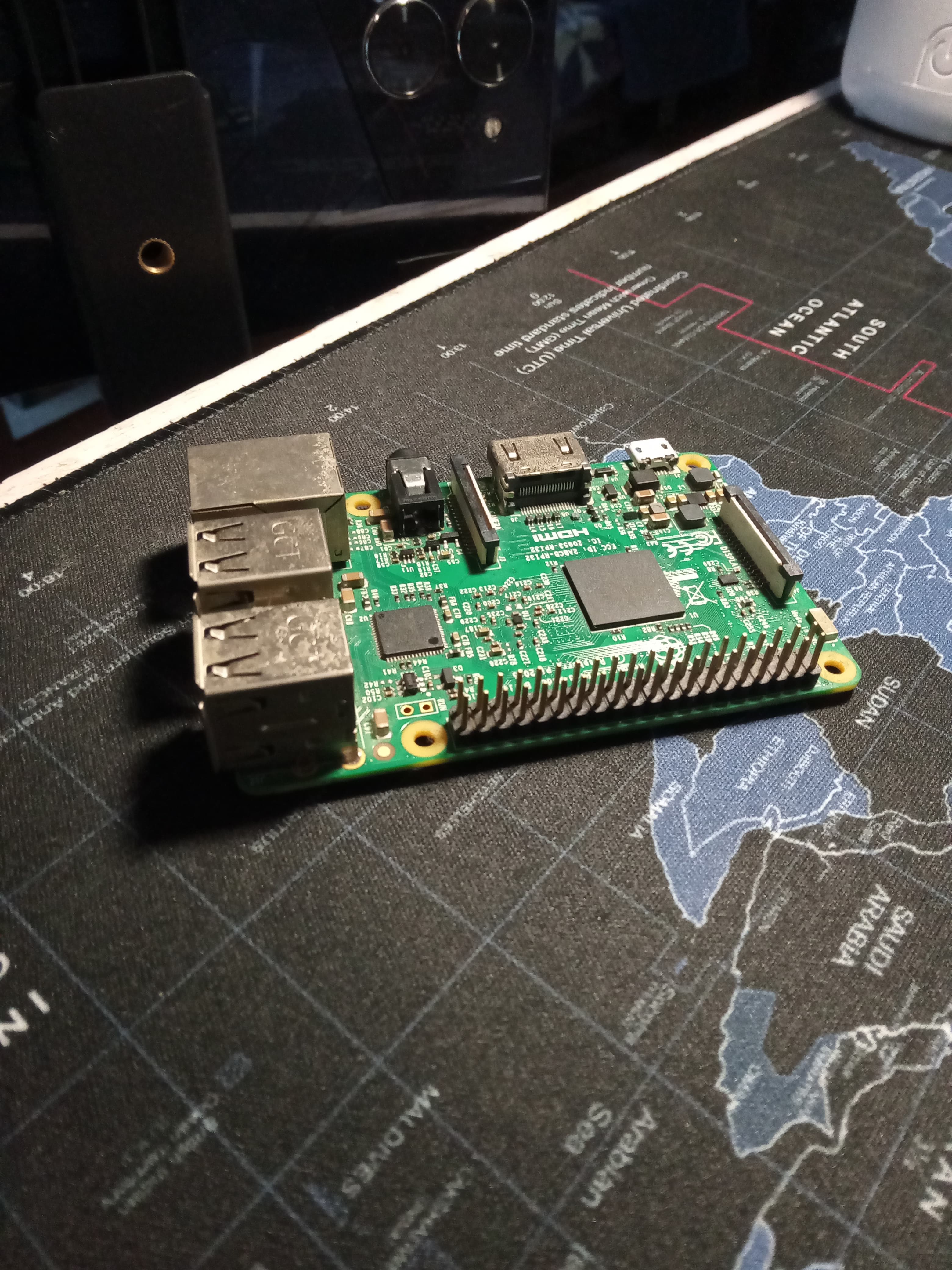
Cloud Sync
The device will automatically sync with PurpleRain's threat intelligence cloud. No manual configuration is required; protection starts immediately upon link establishment.
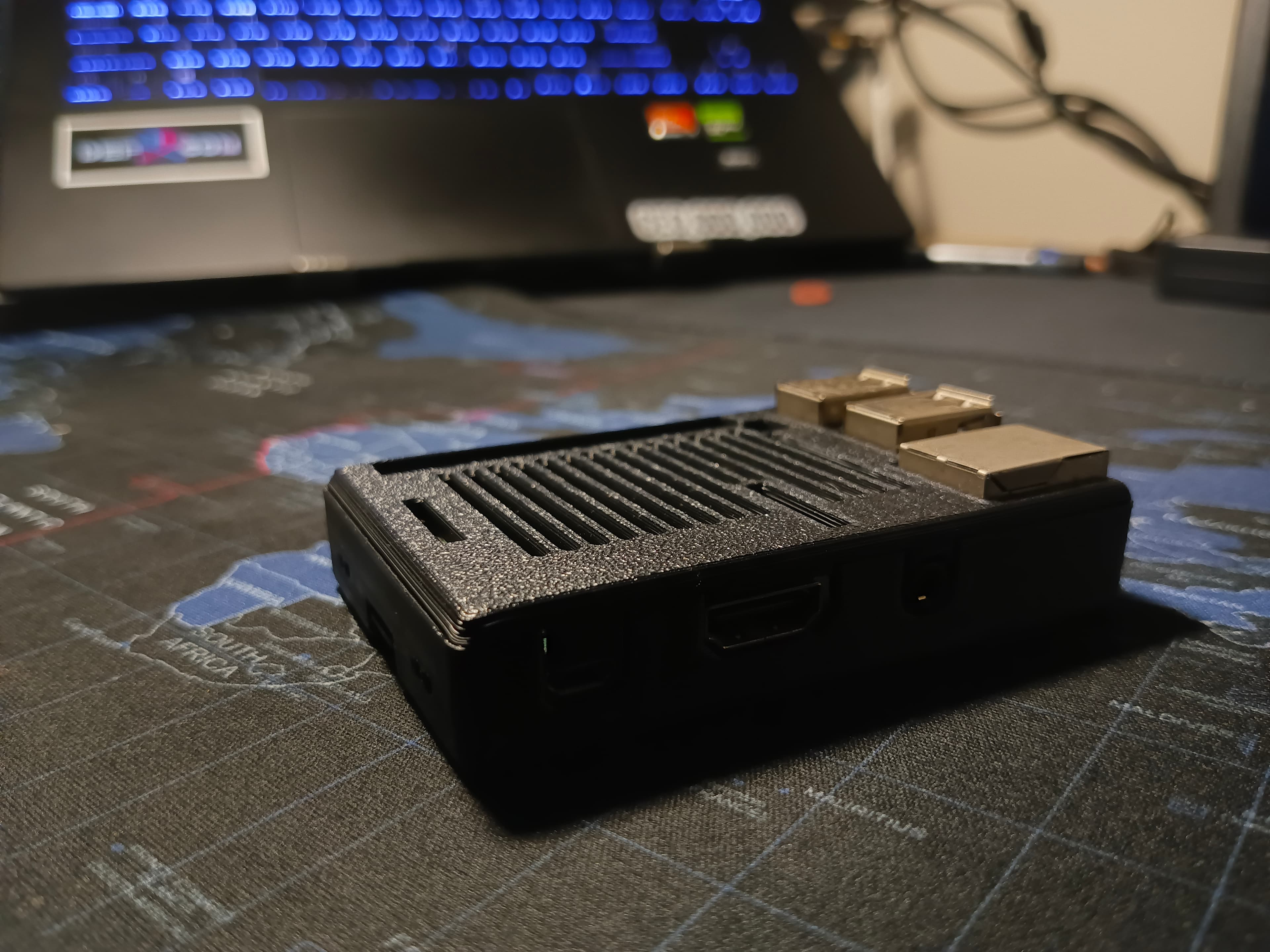
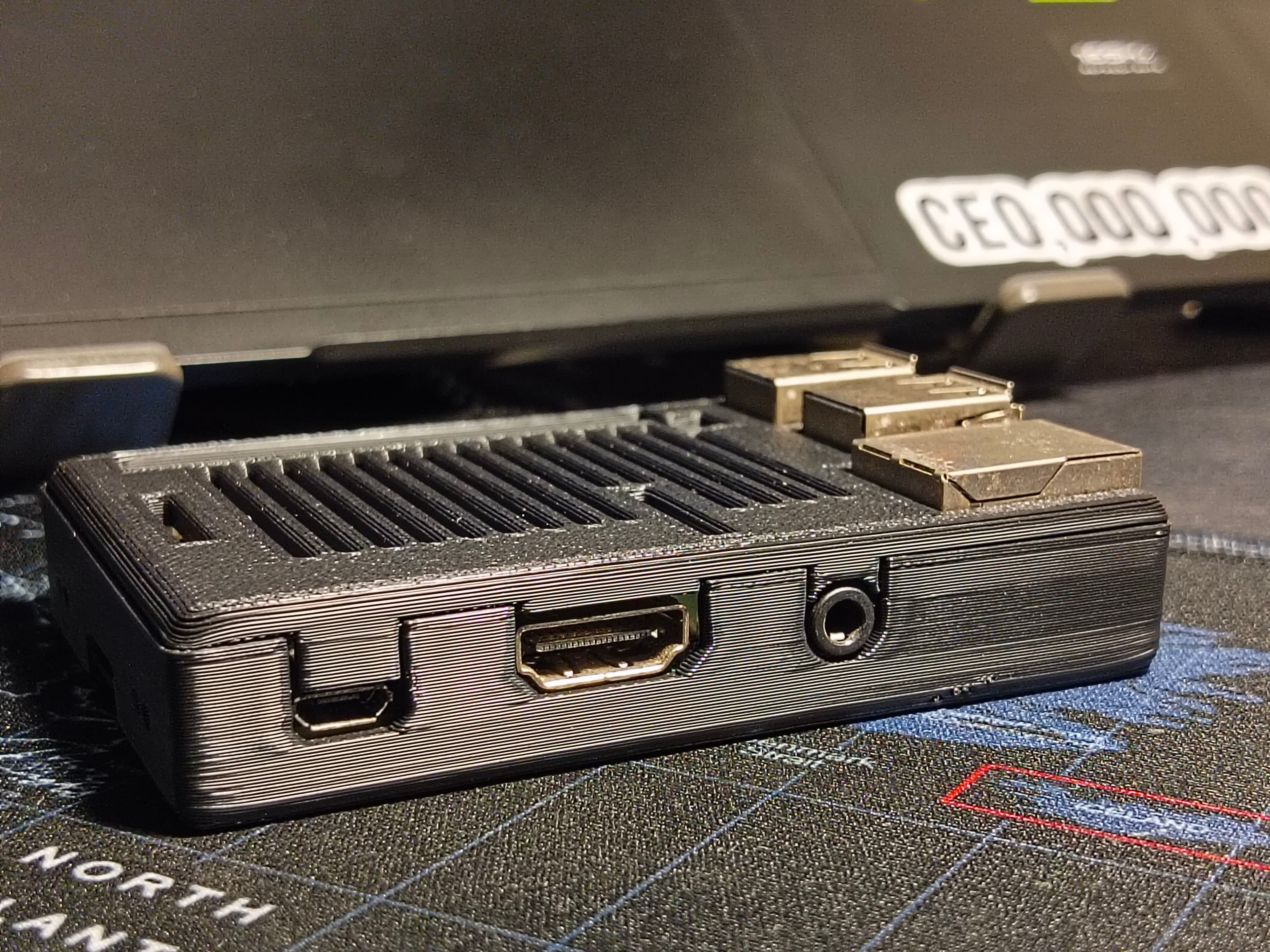
Activation Complete.
Verify your device status in the central command center.